Upload an Image
Choose a JPG, PNG or WebP image up to 16MB.
Upload a photo and describe what to remove. AI attempts to rebuild the background; lighting and detail can vary with source quality, occlusion size, and prompt accuracy.
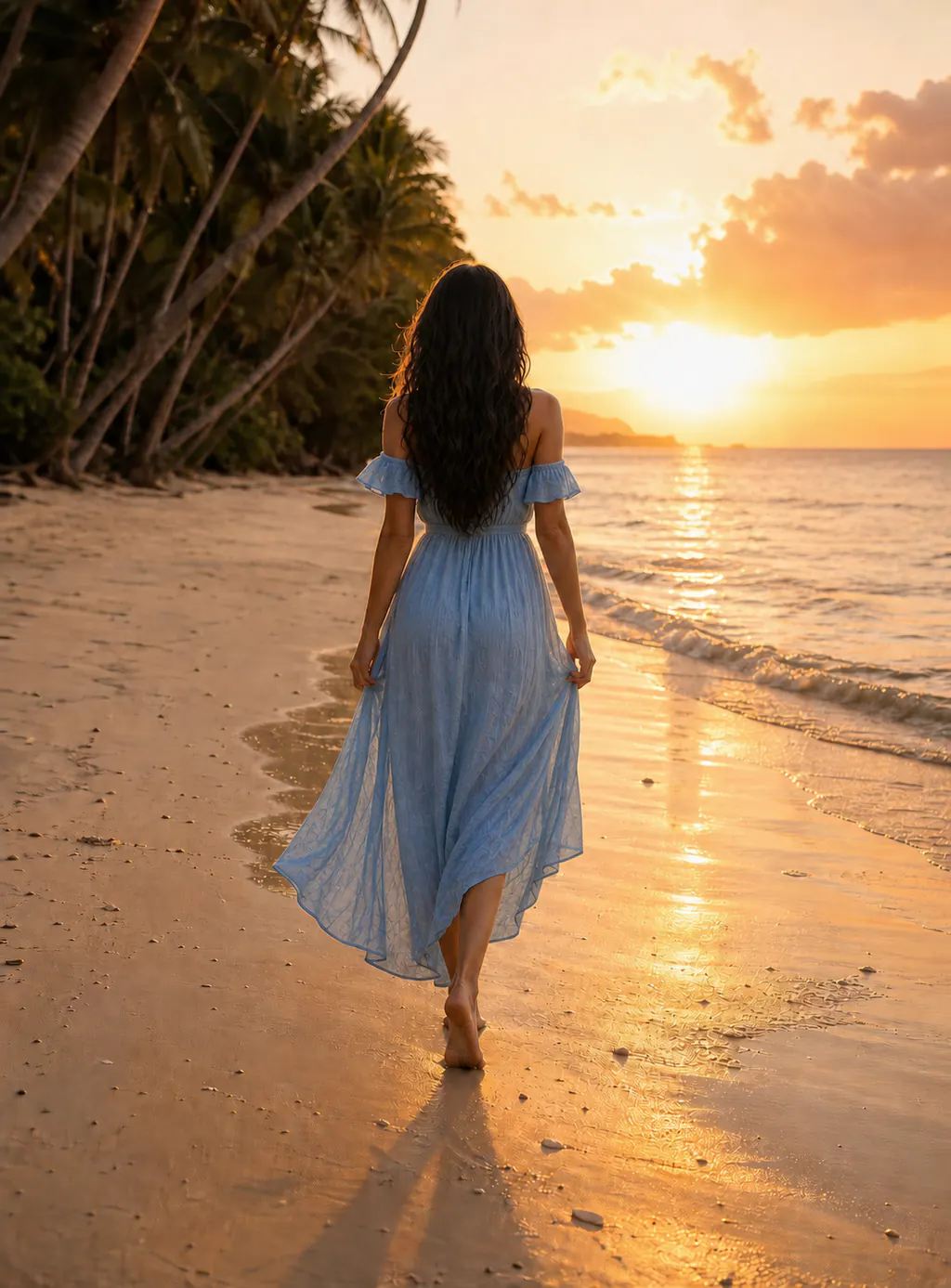
 BeforeAfter
No software installation or advanced editing skills required.
Choose a JPG, PNG or WebP image up to 16MB.
Mention its position and appearance, such as “the person in a hat on the right.”
AI attempts to rebuild the background. Preview the result before downloading it.
Result previewAI analyzes light, texture and perspective and attempts to rebuild the selected area. Results vary with source quality and scene complexity.
Processing time varies with image complexity, network conditions, and service load.
AI attempts to repair edges, shadows, and textures; complex scenes may produce different results.
Your image is used only for this edit and is never displayed publicly.
Include both position and appearance—for example, “remove the person in a red coat on the right.” Clear descriptions reduce unwanted edits.
JPG, JPEG, PNG and WebP are supported, with a maximum size of 16MB per image.
Output dimensions and detail may differ from the source. Results depend on source quality, occlusion size, and description accuracy, so preview the result before downloading or using it.
No. Credits are deducted only after the result is successfully generated and safely stored. Charged results are linked to your account and can be recovered from task history. Upload, generation, timeout, and system failures do not use credits.
Yes. Originals and results are transferred over encrypted connections and held in private object storage. They are never published and can be read only by the account that submitted the task.
Originals, results, and task records remain in your account until you delete them from the account task list. Temporary images for failed or abandoned tasks are automatically cleaned up after about 24 hours.
Upload an image and remove visual distractions with one sentence.